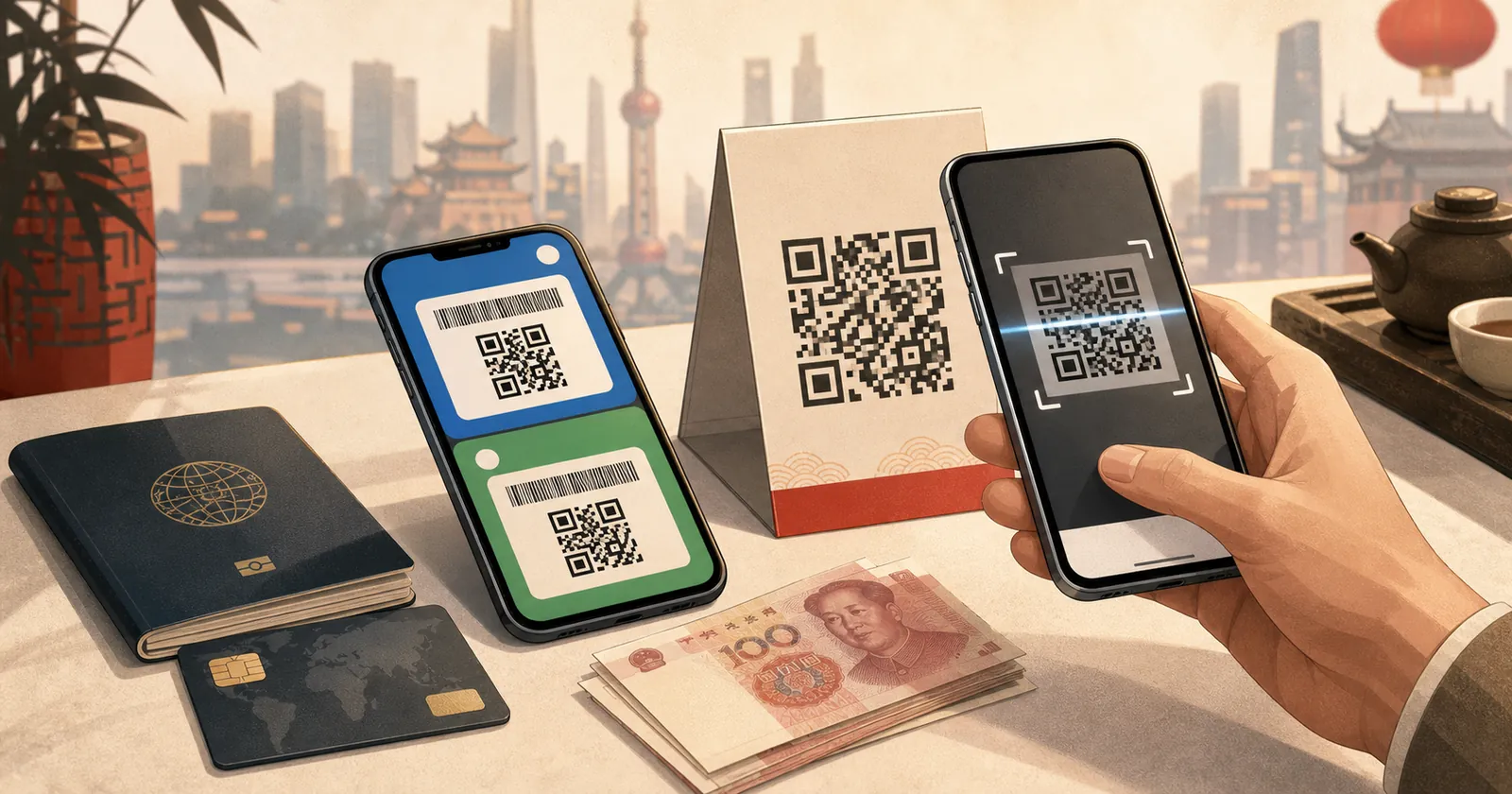
For a short trip to mainland China, set up Alipay as your primary mobile payment app and WeChat Pay as a backup before departure.
The goal is not to prove that every future payment will succeed. A pre-trip check can confirm that you control the account, can receive verification messages, have completed any requested identity steps, have linked an eligible card and can open the payment tools. Your bank, the payment app and the merchant can still make checks when you actually pay.
Keep at least one physical card and some RMB cash as independent backups. Mobile payment is convenient, but it should not be your only way to buy food, reach your hotel or continue a trip after a phone, account or network problem.
Quick answer
| Question | Practical answer for a short-term tourist |
|---|---|
| Do I need a Chinese phone number? | Usually no. Official guidance allows registration with a foreign or Chinese mobile number. Keep control of the number used for the account. |
| Can I link an international card? | Eligible international cards can be linked, but the app and issuing bank still verify the card. Check the current in-app list and prompts. |
| Can I fully test the apps before arriving? | You can test account access, identity status, card linking and payment-tool access. That does not guarantee acceptance by every merchant after arrival. |
| Should I set up both apps? | Yes if possible. Use Alipay as the primary option and WeChat Pay as a separate backup, not two copies of the same failure point. |
| Do I need to add wallet balance? | Do not assume you need—or can use—the apps as a general stored-value wallet. An international card is primarily linked for eligible merchant payments. |
| Should I bring cash? | Yes. China officially supports cash as a payment option, and it is a useful backup when an app, card, phone or network is unavailable. |
| Does a VPN help payments? | A VPN does not add a payment card, complete identity checks or fix an issuer decline. Use a stable connection and follow the app’s official prompts. |
What official guidance currently confirms
China’s current guide for foreign visitors says travelers can register Alipay or WeChat with a foreign or Chinese mobile number and follow the in-app process to link a bank card.
As checked on August 12, 2026, the guide lists Visa, Mastercard, UnionPay, American Express, JCB, Diners Club and Discover among the card networks that can be linked to supported payment products. It also warns that:
- The card issuer must verify the card.
- Supported brands, limits and charges can differ between payment products.
- If card binding fails, the traveler should contact the payment app’s customer service or the issuing bank.
Tencent separately states that overseas users can register WeChat with a non-+86 mobile number and link an eligible international card to Weixin Pay. Alipay’s current international-traveler materials also describe support for major international card networks.
These official statements confirm that the setup path exists. They do not mean every card, account, merchant or transaction will be accepted in every circumstance.
Step 1: prepare the phone number and connection
Use a phone number that you will still control during the trip.
Before departure:
- Confirm that the number can receive SMS while you are in mainland China.
- Check your home carrier’s roaming rules for incoming SMS and calls.
- Keep your home SIM enabled if it receives bank or account verification codes.
- Save non-SMS recovery methods for your email, bank and important accounts.
- Arrange primary mobile data through a travel eSIM or international roaming.
A travel eSIM usually provides data, not a new Chinese phone number. It does not change the number registered to Alipay or WeChat. Our guide to whether tourists need a Chinese phone number explains the distinction.
If your phone supports eSIM, compare familiar providers such as Airalo, Nomad, Holafly, Saily and Trip.com by data allowance, validity, hotspot rules, routing and support—not only by price. See the China eSIM comparison. If it does not support eSIM, use our non-eSIM China connectivity options.
Step 2: set up Alipay as the primary payment app
Complete the basic setup while you still have reliable access to your normal number, bank app and email.
- Download Alipay from your device’s official app store.
- Register or sign in with the mobile number you will keep during the trip.
- Enter your legal name and identity details exactly as requested.
- Complete passport or identity verification if the app asks for it.
- Link an eligible international card.
- Complete any verification requested by the issuing bank.
- Confirm that the card remains visible in the payment-method list after signing out and back in.
- Open the payment-code screen and the QR scanner so you know where both tools are.
Do not create multiple accounts simply because a review is slow or a screen looks unfamiliar. Duplicate identities, different name formats or rapid repeated attempts can make troubleshooting harder. Use the in-app help path for the account you intend to keep.
Step 3: set up WeChat and WeChat Pay as a backup
WeChat is useful for messaging, contacts and mini programs even when Alipay is your primary payment method.
- Download or update WeChat from the official app store.
- Register with your overseas number or sign in to your existing account.
- Make sure you can receive any requested login code.
- Open the Services or Pay and Services area available to your account.
- Complete the identity steps shown by the app.
- Link an eligible international card and complete the bank’s verification.
- Confirm that you can return to the payment-code and QR-scanning tools.
Use a separate card in WeChat Pay if you have one. Two apps linked to the same single card are helpful for app-specific problems, but they do not protect you from that card being blocked, expired or declined by its issuer.
What you can—and cannot—test before arrival
A useful pre-trip test
Before flying, verify that you can:
- Sign in without relying on a password you no longer know.
- Receive an SMS or other account-verification prompt.
- See that the intended identity details have been submitted.
- See at least one linked payment card.
- Open the payment-code screen.
- Open the QR scanner.
- Find the official in-app help or support entry.
- Open your bank app and receive its approval prompts.
Take note of the exact phone number and name format used. Store bank and payment-app support contacts offline.
What a pre-trip test does not prove
It does not prove that:
- Every merchant QR code will accept an international card.
- Your bank will approve a later transaction.
- A future security or identity review will not occur.
- A mini program, person-to-person transfer or wallet-balance feature will support your card.
- Your mobile data and phone battery will be available when you need to pay.
Do not create a fake ride, booking or order and cancel it only to manufacture a payment test. A cancelled transaction mainly tests that particular booking flow and can introduce refund timing or account-review problems. If you already have a legitimate China purchase, follow its normal payment flow; otherwise wait for a small real purchase after arrival.
Run one small, legitimate test after arrival
Make your first mobile payment before you are in a time-sensitive situation.
A practical arrival check is:
- Connect through your travel eSIM or international roaming.
- Choose a small, legitimate purchase at an airport shop, convenience store or other staffed merchant.
- Try Alipay with your primary linked card.
- Confirm the amount on both the merchant screen and your phone before approving.
- Check that the transaction appears in the app and your card account.
- If practical, make a later small purchase through WeChat Pay so the backup is independently checked.
Do not make the first test while a train is departing, a taxi is waiting or a restaurant is closing. A successful small payment increases confidence, but it still does not guarantee every later merchant or transaction type will work.
Common failure scenarios
The verification SMS never arrives
- Confirm the account is using the correct country code and number.
- Check whether the home SIM is enabled and registered to a network.
- Confirm with the home carrier that incoming SMS can be delivered in China.
- Avoid repeatedly requesting codes in a short period.
- Use the app’s official recovery or support process if the number is correct.
Mobile data and SMS are separate services. A working travel eSIM does not guarantee that the home SIM will receive a bank or account message.
The card will not link
- Check that the name and card details match the issuer’s records.
- Complete any approval in the bank app or by SMS.
- Ask the issuing bank whether it is blocking the verification or China-related mobile-wallet use.
- Check the payment app’s current supported-card prompt.
- Contact the payment app’s official support if the issuer says it approved the request.
This follows China’s official visitor guidance: card binding depends on issuer verification, and failures may require help from either the payment product or the bank.
The card is linked, but a merchant payment fails
Do not assume the whole account is broken.
- Read the exact error message and keep a screenshot for support.
- Confirm the amount and selected card.
- Check the bank app for a declined authorization or security prompt.
- Try the other payment app or a second card if the purchase is legitimate.
- Use a physical card where its network logo is accepted, or pay with RMB cash.
- Contact the issuer or in-app support before making repeated attempts.
A linked international card is mainly a way to pay eligible merchants. Do not assume it turns the account into a general RMB wallet, enables person-to-person transfers or lets another traveler send you spending balance.
Identity verification is pending or restricted
- Confirm that the submitted name matches the passport format shown in the app.
- Do not edit identity details repeatedly unless official support instructs you to do so.
- Use the app’s appeal or customer-service path and keep the case number.
- Keep the second payment app, physical card and cash available while the review is unresolved.
There is no safe universal shortcut around an account review. Do not pay a third party to “verify” or rent an account for you.
Payment backup plan for a short China trip
Use independent layers rather than one phone, one app and one card:
| Layer | Recommended preparation |
|---|---|
| Primary mobile payment | Alipay with an eligible international card |
| Second app | WeChat Pay, ideally with a second card |
| Physical card | Carry at least one supported card separately from the phone |
| Cash | Carry some RMB and keep small notes available |
| Connectivity | Travel eSIM or international roaming as primary phone data |
| Account access | Home SIM for SMS plus saved recovery methods |
| Offline information | Hotel address, booking details and support numbers saved locally |
China’s official payment guidance recognizes mobile payment, bank cards and cash as available options. Card acceptance still depends on the merchant displaying the relevant network logo, so cash remains the most independent fallback.
Limitations to understand
- Payment-app interfaces and identity prompts can change without notice.
- Supported cards, limits and charges can differ by app, card network, issuing bank and account.
- A foreign-number account can still be asked for identity or security checks.
- Some mini programs or local services may have separate phone-number, identity or payment rules.
- A successful card link is not the same as a successful merchant authorization.
- A successful payment at one merchant does not prove every QR code or transaction type will work.
- Refund timing follows the merchant, payment app, card network and issuer process.
- Mobile payment depends on a working phone, connection and battery.
Check the current in-app agreement and prompts before your trip rather than relying on an old screenshot or a travel-forum comment.
FAQ
Can I use Alipay in China with a foreign phone number?
Yes. Current Chinese government guidance says foreign visitors can register mobile-payment apps using a foreign or Chinese mobile number. You still need to follow the app’s identity and card-verification prompts.
Can I use WeChat Pay without a Chinese bank account?
Eligible overseas users can link supported international cards. This is designed for merchant payments; it does not mean every wallet, transfer or mini-program feature will be available.
Can I use a debit card instead of a credit card?
An eligible international debit card may be supported. Tencent has described support for eligible international credit and debit cards, but the exact result depends on the app, card network and issuing bank. Check the current card-link screen and ask your issuer if verification fails.
How do I know whether Alipay or WeChat Pay is verified?
There is no single screen label that applies to every account version. Confirm that the requested identity information has been submitted, the intended card remains linked and the payment tools open. If the app shows a pending review, restriction or missing step, treat setup as incomplete and use official support.
Can someone else transfer money into my Alipay or WeChat wallet?
Do not plan your trip around this. International-card linking is primarily documented for eligible merchant payments, while transfers and stored-value functions can have different eligibility rules. Use your own supported card and keep independent backups.
Should I carry cash if both apps are set up?
Yes. Cash protects you from phone, battery, network, account and card failures. Official Chinese guidance includes RMB cash among the payment options available to foreign visitors.
Do I need a VPN to use Alipay or WeChat Pay?
These are Chinese services and a VPN is not the payment method. For most short-term tourists, use a travel eSIM or international roaming as the primary phone connection. Keep VPN as a supplement for hotel or office Wi-Fi, laptops and special work tools. See the broader China internet preparation guide.
Sources and research note
This guide responds to recent traveler questions about being unable to complete initial Alipay setup, checking whether Alipay and WeChat accounts are verified, testing the apps before arrival and recovering from an Alipay account restriction.
Reddit was used to identify the questions, not to establish payment rules or prove that a particular card works. Registration, card-linking and fallback claims were checked against the Chinese government’s current guide for foreigners, its payment service guide for overseas visitors, Tencent’s guidance for overseas Weixin Pay users and Alipay’s international-card announcement.
No Reddit comment was used as evidence for supported cards, fees, verification outcomes or merchant acceptance. Those details must be checked in the app and with the issuing bank at the time of setup.
Bottom line
Set up Alipay and WeChat Pay before departure, but define “ready” carefully.
You should be able to access the account, receive verification messages, complete requested identity steps, see a linked card and find the payment tools. Make one small legitimate purchase after arrival, then retain a second app, another card and RMB cash as backups. That preparation is more reliable than assuming one successful setup screen guarantees an entire trip.
Prepare the Rest of Your China Internet Setup.
Plan mobile data, verification messages, maps, ride-hailing and offline backups before you fly.
Open the China Internet Guide